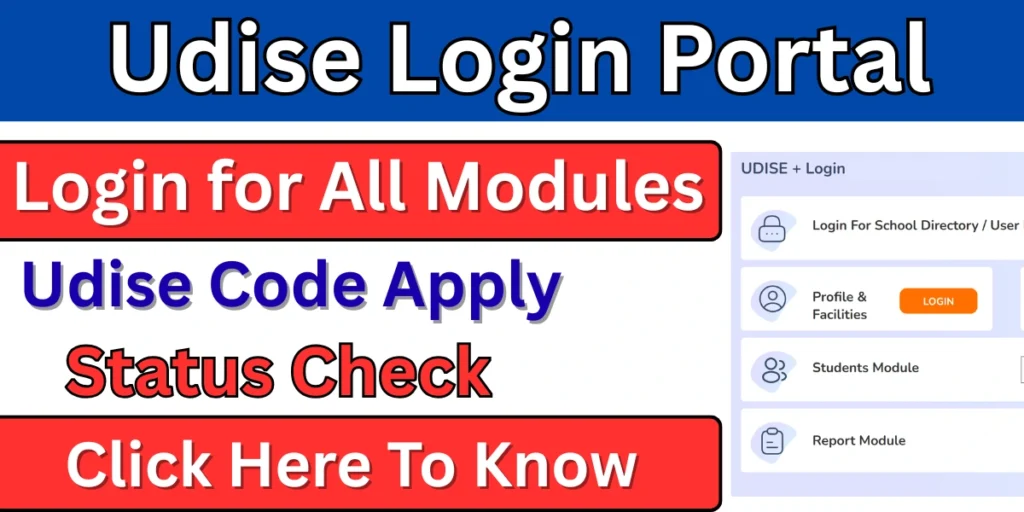
Considering the school education system, the Government of India has launched a web portal called UDISE Plus. It was launched by the Ministry of Education, Government of India. This portal is designed for schools, students, and teachers. Through this portal, students can search for any school and access its information. In this article, we will learn more about UDISE Plus, including what it is, its benefits, and who can use it.
What is Udise Plus?
UDISE+ stands for Unified District Information System for Education Plus. It was created in 2018-2019 by the Ministry of Education, Government of India. This portal collects real-time data from schools, including information about their physical infrastructure. Based on the collected data, the government improves education schemes and interventions. Under this system, every school is assigned an 11-digit UDISE Code as a unique identifier.
Overview of Udise Plus
| Descriptions | Details |
| Portal name | Udise Plus |
| Launched by | Department of School Education and Literacy |
| Launched year | 2018-2019 |
| Purpose | Gathering all school data on a single platform. |
| Benefits | Gathering all school data on a single platform. |
| Official website | udiseplus.gov.in |
Objectives of Udise Plus
- Collecting data on all recognized and unrecognized schools in the country.
- Maintaining records of student enrollment, progress, and transfers.
- To develop effective policies, plans, and programs for education based on the collected data.
- This process aims to simplify tasks such as data entry, validation, and monitoring by digitizing the entire process.
- To identify and address shortcomings in the education system based on collected data.
Udise Plus Portal Benefits
- This system reduces paperwork, and the portal provides real-time data without any errors.
- Based on the data collected, the government can easily formulate better education policies.
- The collected data is used to identify students who have dropped out of school, and efforts are made to bring them back.
- The data available on this portal can be updated periodically, providing up-to-date information on the current situation.
- Information about school infrastructure (such as toilets, electricity, and water) helps in directing funds and resources to the right places.
- Under this portal, all schools are given a UDISE code, and students are given a unique ID, which allows them to easily track information.
Who can use Udise + Portal?
Principal: School principals use this system to update data on the school’s infrastructure, facilities, and teachers, and they are responsible for this process.
Teacher: Teachers authorized by the schools use this to enter student profiles, enrollment, and progress information in the UDISE+ Student Module.
Public users: The general public can use this without a login. They can view general information related to the school.
MIS Officers: Block, district, and state-level officials use this system to verify and generate reports by checking the data entered by the schools.
Education Department: The data obtained from the portal is used as a basis for planning and formulating policies for the education system.
Udise Portal Available Services
This portal offers a variety of services to students, schools, and teachers, but we have discussed some of its main services below.
- School Profile Module: Through this system, schools can update their basic information, such as infrastructure, classrooms, toilets, water supply, electricity, library, and laboratory facilities.
- Know Your School: This feature allows users to view information registered by schools based on their UDISE code, PIN code, or school name.
- GIS Mapping: Through this, individuals can find out the precise geographical location recorded by the schools.
- New UDISE Code: Through this, newly opened schools can apply for a UDISE code.
- Teacher Module: Managing teachers’ personal details, qualifications, service history, and training details.
What Type of Data Udise Plus Collects?
School Profile: This includes information recorded by the school, such as location, medium of instruction, and other relevant details.
Infrastructure: This includes information recorded by the school, such as details about infrastructure, classrooms, toilets, water, electricity, libraries, and laboratories.
Student Information: This includes student data such as the number of students in each grade, the number of males and females, and the number of students who have dropped out.
Teachers’ Information: This includes the number of teachers registered by the school, their qualifications, and their posting details.
Udise Plus Available Modules
- School Profile Module: Schools use this to provide and update information about their basic infrastructure, location, and available facilities (such as water, electricity, and toilets).
- Teacher Module: It allows for the online management of a teacher’s personal information, educational qualifications, appointment details, training, and service-related information.
- Student Module: This module is used to record students’ personal records, enrollment, dropout status, and other data.
- Report Module: It is used to prepare academic, administrative, and statistical reports.
- School Directory & User Management Module: It is used to manage school information and user accounts.
Udise Login Portal
The UDISE+ portal has five types of login processes, with separate login procedures for schools, teachers, and students. We have discussed some of these login processes below.
Udise Plus Student Module Process
To log in to the UDISE+ student module, please follow the steps given below.
- First, go to the official website.
- Click on the “Login” button.
- Select your state.
- Choose the Student module.
- Now enter your user ID and password.
- Enter the captcha code and click on the login button.
After following all these steps, you will be logged into the UDISE student module.
Udise Plus Teacher Module Login Process
- First, go to the official website.
- Click on the “Login” button.
- Select your state.
- Choose the Teacher module option.
- Enter your User ID and password.
- Enter the captcha code and click on the login button.
School Login Process in Udise Plus Portal
- First, go to the official website.
- Click on the “Login” button.
- Click on “School Profile” or “Facility Management” here.
- Enter your 11-digit UDISE code.
- Now enter your password.
- Enter the captcha code and click the login button.
- You will now be successfully logged in.
How to Update Data in the Udise Portal Student Module?
- First, go to the official website.
- Go to the “Student module”.
- Log in here.
- Now select the student whose data you want to update.
- Select the appropriate section for the student (GP, AP, or SF).
- Now enter the student’s information.
- Finally, click on Save and submit.
How to Use the “Know Your School” Feature in the Udise Plus Portal?
This feature allows ordinary citizens to find information about a school by entering its pin code, school code, or school name.
- First, visit the official website.
- On the homepage, click on the “Know Your School” option.
- Now, choose one of the following methods:
- School Name
- UDISE Code
- PIN Code
- Now, fill in all the details.
- Enter the captcha code and click on “Search”.
- A list of schools in that area will appear based on your information.
- Select the school and view its details.
Frequently Asked Questions (FAQs)
Who needs to register on the education data portal?
All government, aided, and private schools must register to submit accurate institutional and student information annually.
What type of information is collected through the portal?
It collects school infrastructure, teacher details, student enrollment, facilities, and academic-related data.
Is the portal mandatory for all schools in India?
Yes, participation is mandatory as it supports national education planning and policy decisions.
Can student data be updated after submission?
Yes, authorized users can update or correct data within the given timeline set by education authorities.
What information is included in the Udise Plus Student Module?
It contains information such as their personal details, academic/professional qualifications, and training details.